Rolling out
Santa Nice List AI: Turn One Photo Into a Holiday Clip
A cozy holiday scene, ready for December.
The Santa nice list format is a festive, good-natured reveal: warm lights, a holiday setting and a reaction to being on the list. This template builds that scene around one photo of you.
Also searched as: santa nice list ai video · christmas ai video template · santa ai video
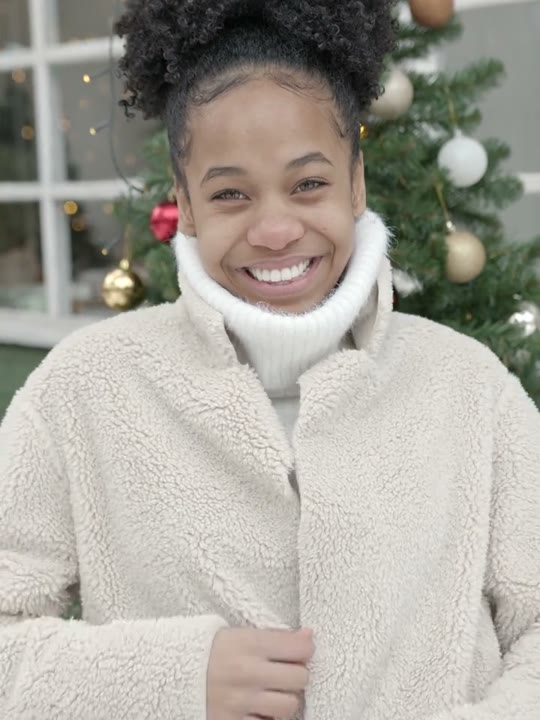
Reference clip (stock demo)
Sample clips are licensed stock footage that demonstrate each template’s motion.
What the Santa nice list video looks like
The scene is warm and gently lit, with the soft clutter of a holiday set: string lights, a list on a table and a festive backdrop. The performer reacts to the moment rather than performing a dance. The reference runs about ten seconds.
Because the format is about mood rather than choreography, a calm, smiling portrait usually fits better than a dramatic action shot. The camera stays close, so the face and the reaction carry the clip.
How to make the Santa nice list video on Shotonia
You do not need a set, props or a green screen. Upload a portrait, choose a length and the template adds the holiday scene.
- 1
Add your photo
Use a clear, front-facing portrait of one adult with a relaxed expression and the head and shoulders visible.
- 2
Choose a length
Six seconds is enough for the reveal; 12 seconds holds the smile longer and 15 seconds gives the scene room. One credit per second.
- 3
Generate
Confirm consent and start the render. The finished clip appears in My videos when it is ready.
Which photo works best
A sharp portrait with the head and shoulders visible works best. A relaxed smile suits the format, and even lighting lets the model carry your expression into the warm scene.
Avoid heavy filters, sunglasses and photos where the face is partly hidden. If you want a holiday look, festive clothing in the photo can help the result feel consistent, but it is optional and the template supplies the rest.
The Santa nice list prompt recipe
The template supplies its own prompt: a cozy holiday setting, warm practical lights and a short reaction beat. You never type a description of the scene.
The instructions also ask the model to keep your face and hair stable while the light changes. A simple, well-lit portrait gives it the best chance of doing that.
The recipe does not name a real campaign, a brand or a performer. It describes a generic holiday mood, so the clip is an original scene rather than a recreation of an existing advertisement.
Seasonal timing
Interest in holiday templates rises through November and peaks in December. The page stays online all year, but the clips are most useful when the feed is already in a festive mood.
Because the template is not tied to a dated event, a clip made in October still works in December. You do not need to re-render it when the season starts, and pack credits do not expire while you wait.
How many credits does it cost
One credit per second: 6 seconds for 6 credits, 12 seconds for 12 credits, 15 seconds for 15 credits. The credits are only spent on a successful render; a failed render is refunded automatically.
Packs start at $9.90 and pack credits do not expire, so credits bought for a holiday clip can be used for another template later.
What happens in your Santa nice list video
The output is a vertical 9:16 MP4 without a visible watermark, sized for TikTok, Reels and Shorts. The clip keeps the festive framing and the reaction beat of the reference.
The template does not include licensed holiday music. Add your own track where you publish. When you publish it, tell viewers the video is AI-generated.
Where the Santa nice list trend came from
Holiday list jokes are older than social video: the idea of being judged nice or naughty is instantly understandable. Short video turned that joke into a repeatable reveal format.
The AI version keeps the same premise and removes the need for a set or a costume. A photo is enough to place someone in the scene and let the reaction play out, without borrowing footage from a film or an advertisement.
Santa nice list aliases and related searches
This page covers Santa nice list AI, Santa nice list AI video, Christmas AI video template and Santa AI video. They all point to the same holiday template.
Related searches include nice list reveal and holiday reaction AI. If a phrase is missing, start from the template center rather than a guessed URL.
What goes wrong, and how to fix it
The usual issues are a face that looks too dark against the holiday lights, a smile that looks frozen or a scene that feels cluttered. A brighter, simpler portrait usually fixes the first two.
If the result looks off, check that the upload contains one adult and no heavy filter. Provider failures are refunded automatically, so testing a short clip is low risk.
Frequently asked questions
What is the Santa nice list trend?
It is a holiday-themed reveal clip built around the idea of being on a nice list. The setting is warm and festive, and the performer reacts to the moment rather than dancing.
Do I need a holiday set or costume?
No. The template generates the holiday scene. You upload one portrait; festive clothing in the photo is optional but can help the result feel consistent.
Which photo works best?
A sharp, front-facing portrait with a relaxed smile and even lighting. Avoid heavy filters, sunglasses and photos where the face is partly hidden.
Is this template only useful in December?
Interest peaks in November and December, but the page and the credit packs stay available all year. A clip made earlier still works when the holiday season starts.
Do I have to write a prompt?
No. The template contains the holiday scene, lighting and reaction instructions. You choose a photo and a length, and the same recipe runs for every user.
How much does a Santa nice list video cost?
One credit per second: 6 seconds for 6 credits, 12 seconds for 12 credits, 15 seconds for 15 credits. Packs start at $9.90, credits never expire and failed renders are refunded.
How long does the render take?
Most renders finish in a few minutes. You can leave the page; the finished MP4 waits in My videos until you download it.
Can I make one with my pet?
No. This template accepts one photo of one adult; pet photos are not supported.
Does the video include holiday music?
No. The template does not supply licensed music. Add a track you have the rights to where you publish. When you publish it, tell viewers the video is AI-generated.
Is this template live?
Yes. The reference clip and create flow are live. The sample is licensed stock footage that demonstrates the motion; your video is rendered from your own photo.
Can I use the clip commercially?
You can use your own generated clip on social accounts you run and in personal projects. Do not present it as an official holiday campaign or as real footage.
Does the clip work without sound?
Yes. The reveal is built around the expression and the warm scene, so it reads with the sound off. Add music only if you have the rights to the track.
More AI video templates
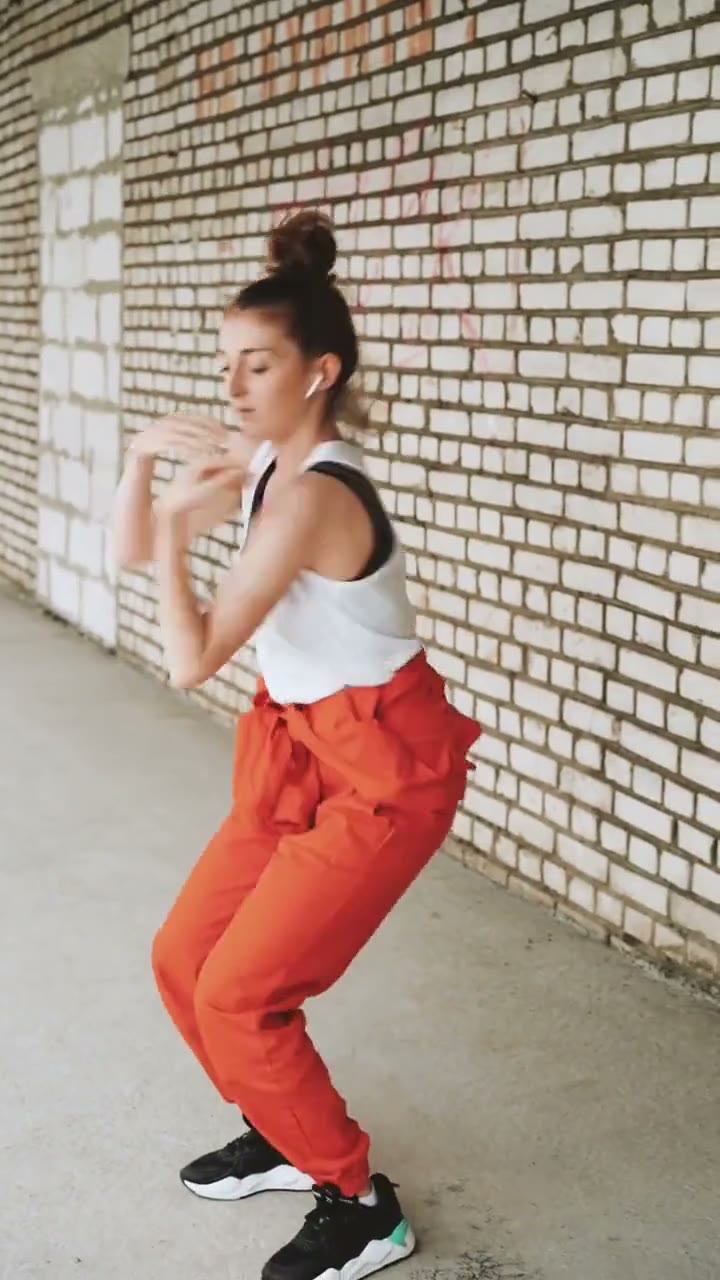
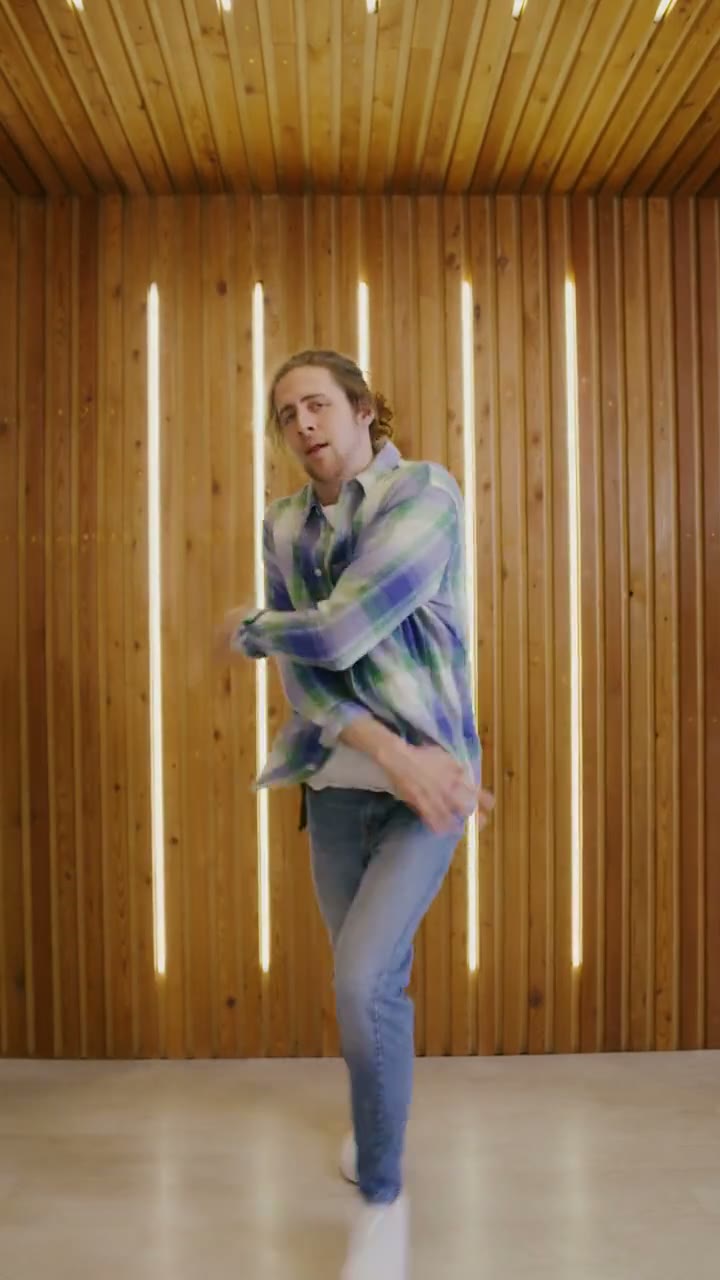
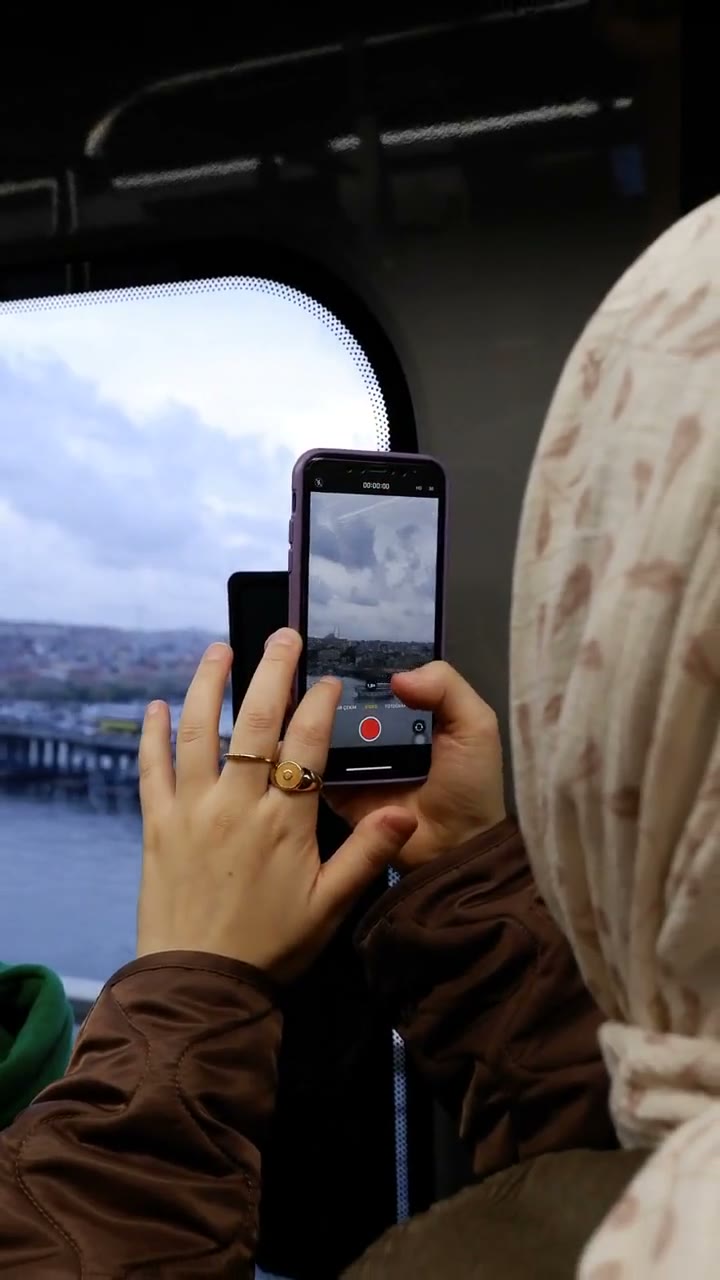
Sample clips are licensed stock footage that show each template’s motion. They are not AI output and are not affiliated with the people or brands in the original trend videos. Template names are descriptive references only. Use only photos of yourself or adults who gave permission, and say the video is AI when you share it.
Your next video is one photo away
Pick a template, upload a portrait and download a vertical MP4.