Bby Wow Guy AI: Turn One Photo Into the Viral Reaction
The wide-eyed reaction that took over the feed.
The bby wow guy clip is a close-up reaction: eyebrows up, hands out and a beat of comic disbelief. This template rebuilds that moment around your face, using one photo instead of a camera and a rehearsed expression.
All Dance templates How to make a Bby Wow Guy videoAlso searched as: bby wow guy ai video · bby wow guy template · bby wow guy prompt
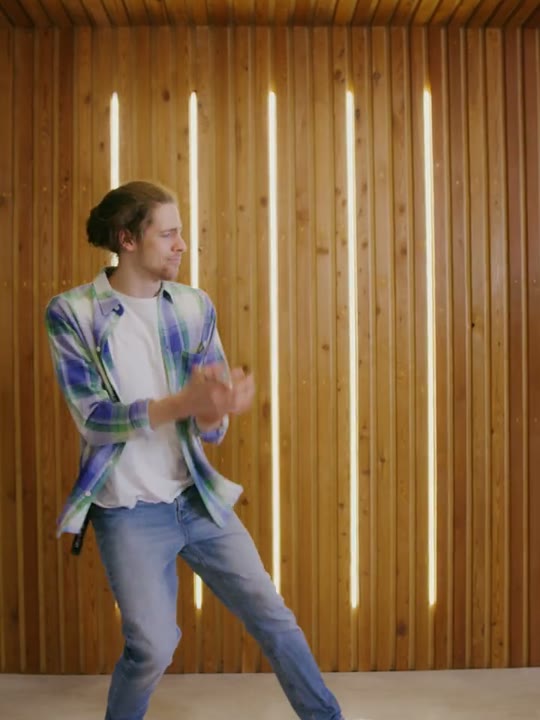
Reference clip (stock demo)
Sample clips are licensed stock footage that demonstrate each template’s motion.
What the bby wow guy video looks like
The performer sits close to the lens, holds a neutral face for a beat and then reacts: eyes widen, eyebrows lift and the hands come into frame. The original beat lands in about ten seconds, short enough to loop without feeling repetitive.
The camera stays fixed and the background stays simple, so the expression carries the video. There is no dance footwork to follow and no scene change to hide behind, which makes the timing of the reaction the whole joke.
How to make the bby wow guy video on Shotonia
You do not need to rehearse the expression or film a reaction. Upload one portrait, pick a length and let the template handle the pause, the look and the hand movement.
- 1
Add your photo
Use a sharp, front-facing portrait of one adult with the eyes and mouth clearly visible. Remove sunglasses and heavy filters before uploading.
- 2
Choose a length
Six seconds covers the reaction; 12 seconds adds a held beat and 15 seconds gives the gesture room to land. Every second costs one credit.
- 3
Generate
Confirm consent and start the render. Download the MP4 when it finishes, or find it later in My videos.
Which photo works best
A neutral, front-facing expression gives the model the most room to build the reaction. Eyes should be open, the mouth visible and the face evenly lit, with no sunglasses, masks or hair covering the eyes.
Photos taken from below or from the side can make the expression look wrong once the animation starts. A straight-on selfie or a portrait taken at eye level is the safest choice, and a plain background keeps the focus on the face.
The bby wow guy prompt recipe
There is no prompt box. The template encodes the expression change, the hand gesture and the camera distance, and the model applies those instructions to your photo.
The recipe also asks the model to keep your facial features, hair and clothing consistent from the first frame to the last. It does not name a creator, a character or a sound; it describes a reaction, not a specific video.
Because the timing is fixed, the result depends mostly on the starting photo. A calm portrait gives the animation somewhere to go, while a photo that is already exaggerated leaves less room for the change.
Facial expression and identity
The template animates your face rather than replacing it. Small differences in your original expression can change how the reaction reads, so start from a relaxed, neutral photo instead of a smile or a grimace.
If your photo already has a strong expression, the result may look exaggerated or stiff. Keep the hair away from the eyes and the mouth unobstructed so the model can track the change frame by frame.
How many credits does it cost
Each second of video costs one credit, so 6 seconds for 6 credits, 12 seconds for 12 credits, 15 seconds for 15 credits. A failed render returns the credits to your balance without a support request.
Packs start at $9.90, and pack credits do not expire, so a short test clip is an inexpensive way to check how your photo behaves before you buy a larger pack.
What happens in your bby wow guy video
You get a vertical 9:16 MP4 without a visible watermark. The clip follows the reaction of the reference and keeps you in frame for the full length.
The template does not supply licensed music. Add your own sound in the app where you publish, or post it silent. When you publish it, tell viewers the video is AI-generated.
Where the bby wow guy trend came from
The format grew out of reaction videos: a single face, a quick change of expression and no setup. Because the joke is readable with the sound off, it travels easily across feeds and languages.
AI versions removed the last barrier, which was being willing to perform on camera. A photo is enough to produce the same beat of comic surprise, and the template keeps the timing consistent from one clip to the next.
Bby wow guy aliases and related searches
Searches for bby wow guy AI video, bby wow guy template and bby wow guy prompt all lead to this page. They describe the same reaction clip, not different products.
Related phrases include wow guy reaction AI and surprised face template. If yours is not listed, browse the template center instead of guessing a URL.
What goes wrong, and how to fix it
The usual problems are a frozen expression, a face that drifts between frames or a hand that looks unnatural at the edge of the shot. These usually trace back to a photo with an odd angle, a covered face or more than one person.
Try a straight-on portrait with a neutral expression and a plain background. If the provider fails the render, the credits are refunded automatically. For a quick check, render six seconds before committing to the longer cut.
Frequently asked questions
What is the bby wow guy trend?
It is a short reaction clip built around a wide-eyed, open-mouthed look of surprise, often with a hand gesture. The performer stays close to the camera, which makes the expression the whole joke.
Do I need to film a reaction?
No. The template animates the reaction from your photo, including the expression change and the timing. You only upload a portrait and choose a length.
Which photo works best for the bby wow guy template?
A sharp, front-facing portrait with a neutral expression, open eyes and even light. Avoid sunglasses, masks, strong filters and angles that hide part of the face.
How many photos do I need?
One photo of one adult. The reaction is designed for a single performer, so group photos should be cropped before upload.
Do I need to write a prompt?
No. The template contains the expression, gesture and camera instructions. You only choose the photo and the clip length.
How much does a bby wow guy AI video cost?
One credit per second: 6 seconds for 6 credits, 12 seconds for 12 credits, 15 seconds for 15 credits. Packs start at $9.90, credits never expire and failed renders are refunded.
How long does the render take?
Usually a few minutes. Longer clips take more time, and the queue can add a short wait. You can leave the page and come back to My videos.
Can I use the video commercially?
You can use your own generated clip on social media and in personal projects. Do not present it as real footage, and only upload photos of yourself or adults who gave permission.
Why does the expression look different from my photo?
The template animates a new expression on top of your face. A neutral starting photo leaves more room for that change; a strong original expression can make the result look stiff or exaggerated.
Can I make one with a pet or a friend?
No. This template accepts one photo of one adult. Crop group photos first, and choose a template that explicitly supports pets or two people if you need them.
Does the clip include sound?
No licensed music is supplied. Add a track you have the rights to where you publish, or share the clip silent. The reaction is built to read without audio.
Is the video marked as AI-generated?
When you publish it, tell viewers the video is AI-generated.
More AI video templates
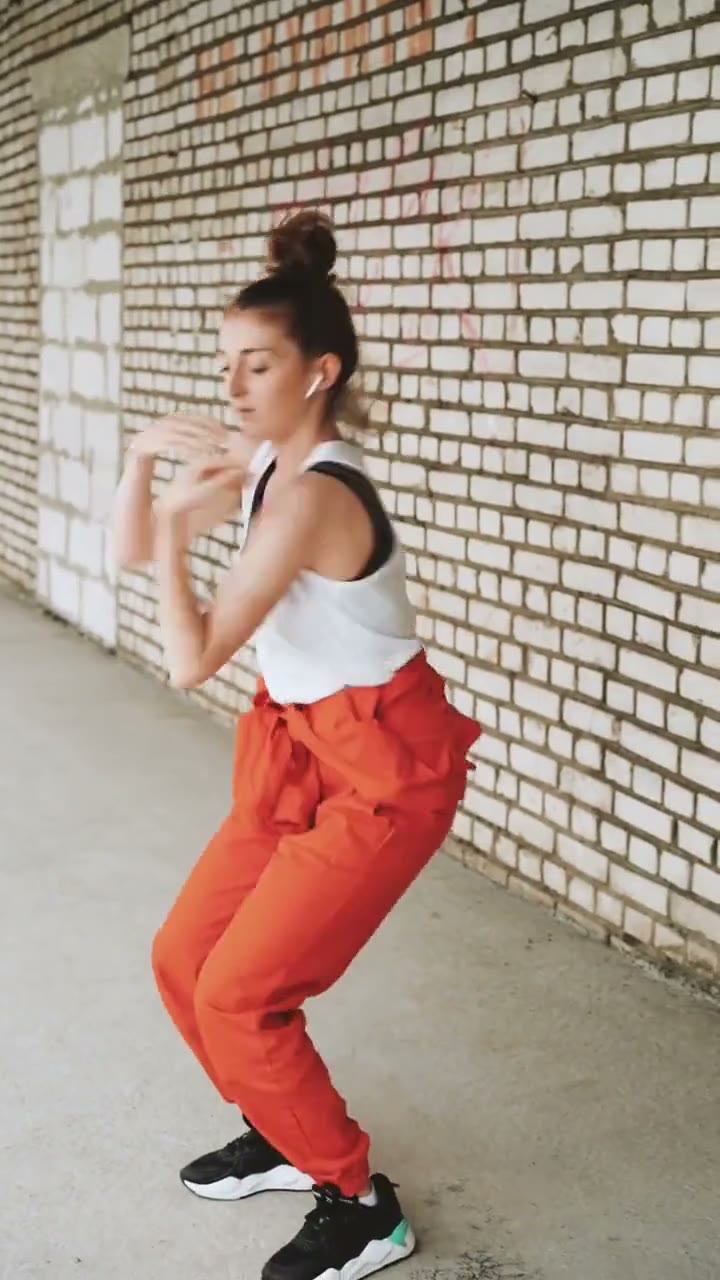
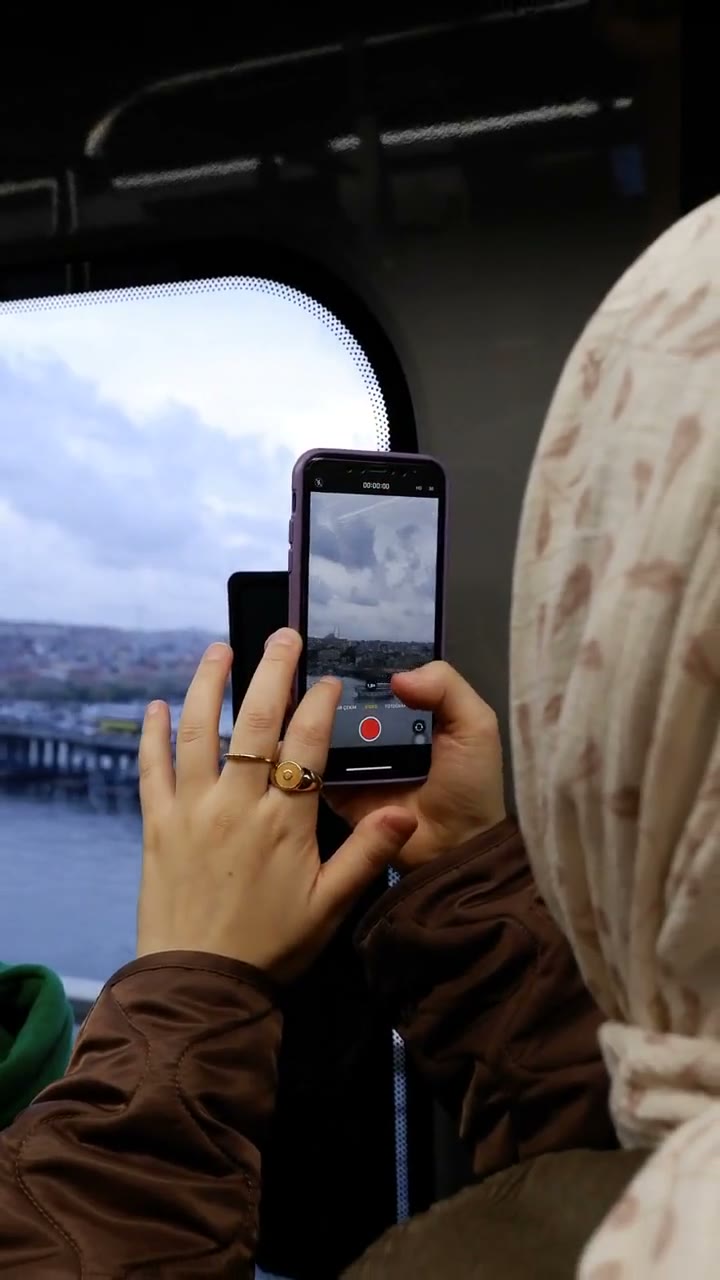
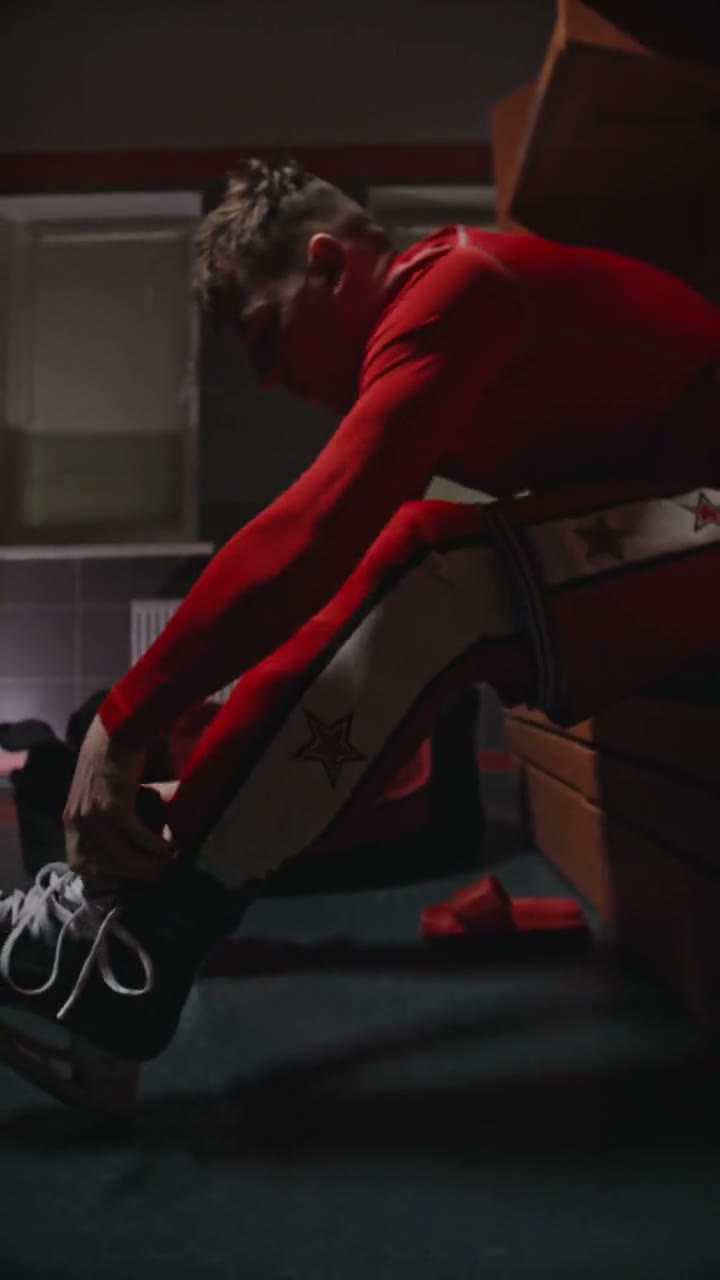
Sample clips are licensed stock footage that show each template’s motion. They are not AI output and are not affiliated with the people or brands in the original trend videos. Template names are descriptive references only. Use only photos of yourself or adults who gave permission, and say the video is AI when you share it.
Your next video is one photo away
Pick a template, upload a portrait and download a vertical MP4.