Rolling out
End of Watch Locker AI: Turn One Photo Into a Cinematic Clip
A locker-room turn with cinematic weight.
The end of watch locker clip is a slow, cinematic turn in a locker room, lit like a scene rather than a selfie. This template keeps that mood and framing while placing your face in the shot.
Also searched as: end of watch locker template · locker scene ai · end of watch ai video
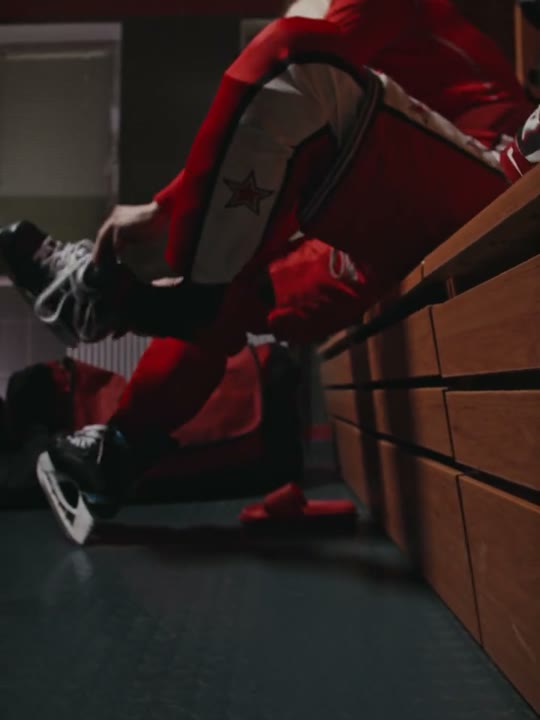
Reference clip (stock demo)
Sample clips are licensed stock footage that demonstrate each template’s motion.
What the end of watch locker video looks like
The end of watch locker clip is built around a quiet moment at the end of a shift. The performer stands among lockers, turns slowly toward the camera and holds the look while the light does most of the storytelling. The reference runs about eleven seconds.
The camera is steady and the movement is restrained. There is no fast footwork to track, so the pace gives the model more time per frame, which usually produces a cleaner face than a quick dance clip.
How to make the end of watch locker video on Shotonia
You do not need a locker room, a work uniform or a camera crew. The template supplies the scene and the movement; you supply one clear portrait.
- 1
Add your photo
Upload a sharp photo of one adult facing the camera, with the head and shoulders visible and no harsh shadow across the face.
- 2
Choose a length
The 6-second cut covers the turn; 12 seconds holds the look longer and 15 seconds gives the scene room to breathe. One credit per second.
- 3
Generate
Confirm consent and start the render. The vertical MP4 is saved to My videos when it is ready.
Which photo works best
A portrait with clear, even lighting works best. The model needs to see the face and the outline of the shoulders to place you convincingly in the locker-room scene.
You do not need to wear a uniform in the photo; the template supplies the scene. Avoid heavy shadows across the face, busy backgrounds and photos where the head is cropped, because those details are hard to rebuild in a slow turn.
The end of watch locker prompt recipe
The template carries its own prompt. It describes the locker-room setting, the slow turn and the cinematic light, then adds instructions to preserve your face and hair.
Because the scene is supplied by the template, adding your own background description would only work against it. A clean photo gives the model the best starting point.
The prompt does not reference a film, a character, a badge or a real department. It keeps the mood generic so the output is a new scene rather than a copy of a specific production.
Availability and rollout
This template is live. The reference clip supplies the timing, framing and camera movement, and the model applies them to your photo.
The sample clips on this page are licensed stock footage that demonstrate the reference motion. Your render is generated from your own photo and does not copy the person in the sample.
How many credits does it cost
Video is priced by the second: 6 seconds for 6 credits, 12 seconds for 12 credits, 15 seconds for 15 credits. Credits are only taken when a render succeeds, and failed renders are refunded automatically.
The smallest pack starts at $9.90. Pack credits do not expire, so you can preview a short cut before committing to the full scene.
What happens in your end of watch locker video
The output is a vertical 9:16 MP4 without a visible watermark, built for short-form feeds. The clip follows the slow turn and the locker-room framing of the reference.
The template does not include licensed music. Add your own track where you publish. When you publish it, tell viewers the video is AI-generated.
Where the end of watch locker trend came from
The format borrows the visual language of film and television: lockers, low light and a character turning to face the camera. That familiar setup makes a short clip feel like a scene rather than a social post.
Its popularity comes from the contrast. The mood is serious and cinematic, while the format is easy to copy, which makes it a natural fit for template-based video. The template keeps the mood without using footage from any production.
End of watch locker aliases and related searches
This page covers end of watch locker AI, end of watch locker template, locker scene AI and end of watch AI video. They all point to the same template.
Related searches include cinematic locker AI and police locker scene. Use the template center if a phrase you expected is missing.
What goes wrong, and how to fix it
The most common issue is a face that looks pasted into the scene, usually because the photo was taken in very different lighting or at an odd angle. A flat, evenly lit portrait blends better.
If the turn looks jerky, try a shorter length first. Provider-side failures are refunded, so testing a 6-second cut before the full scene costs only the credits for that clip.
Frequently asked questions
What is the end of watch locker trend?
It is a cinematic short clip set in a locker room, built around a slow turn toward the camera. The lighting and framing borrow from film and television, which gives the clip a more serious mood than a dance trend.
Do I need a uniform or a locker room to make one?
No. The template supplies the scene and the movement. You only need a clear photo of one adult facing the camera.
Is this template live?
Yes. The reference clip and create flow are live. The sample is licensed stock footage that demonstrates the motion; your video is rendered from your own photo.
Which photo works best?
An evenly lit portrait with the head and shoulders visible, taken at eye level. Avoid harsh side shadows, cropped heads and busy backgrounds.
Do I have to write a prompt?
No. The template contains the scene, camera and identity instructions. A clean portrait is the only input the model needs from you.
How much does an end of watch locker video cost?
One credit per second: 6 seconds for 6 credits, 12 seconds for 12 credits, 15 seconds for 15 credits. Packs start at $9.90, pack credits never expire and failed renders are refunded automatically.
How long does the video take to render?
A few minutes in most cases. The slow camera movement makes this template a good candidate for the shorter lengths if you want a quick preview.
Can I add my own music?
The template does not include licensed music. Add a track in the app where you publish the clip, and make sure you have the rights to use it.
Is the output watermarked?
No. You get a clean vertical MP4. When you publish it, tell viewers the video is AI-generated.
Can I recreate a scene from a specific show or film?
No. The template keeps the mood generic and does not reproduce any production, character or logo. Use it for an original scene, not for copying copyrighted footage.
Can I use a pet or a friend in the photo?
No. This template accepts one photo of one adult. Crop group photos first, and choose a template that explicitly supports pets or two people if you need them.
Can I use the clip commercially?
You can use your own generated clip on social accounts you run and in personal projects. Do not present it as real footage or as an official scene from a production.
More AI video templates
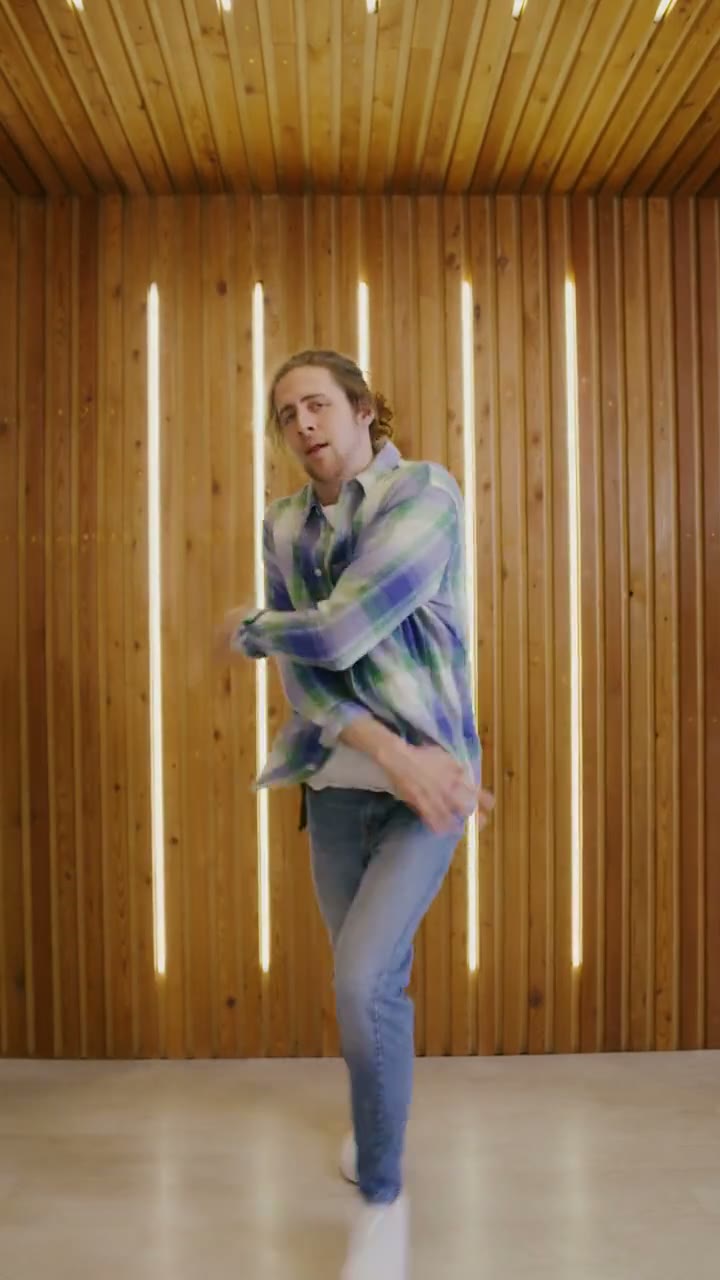
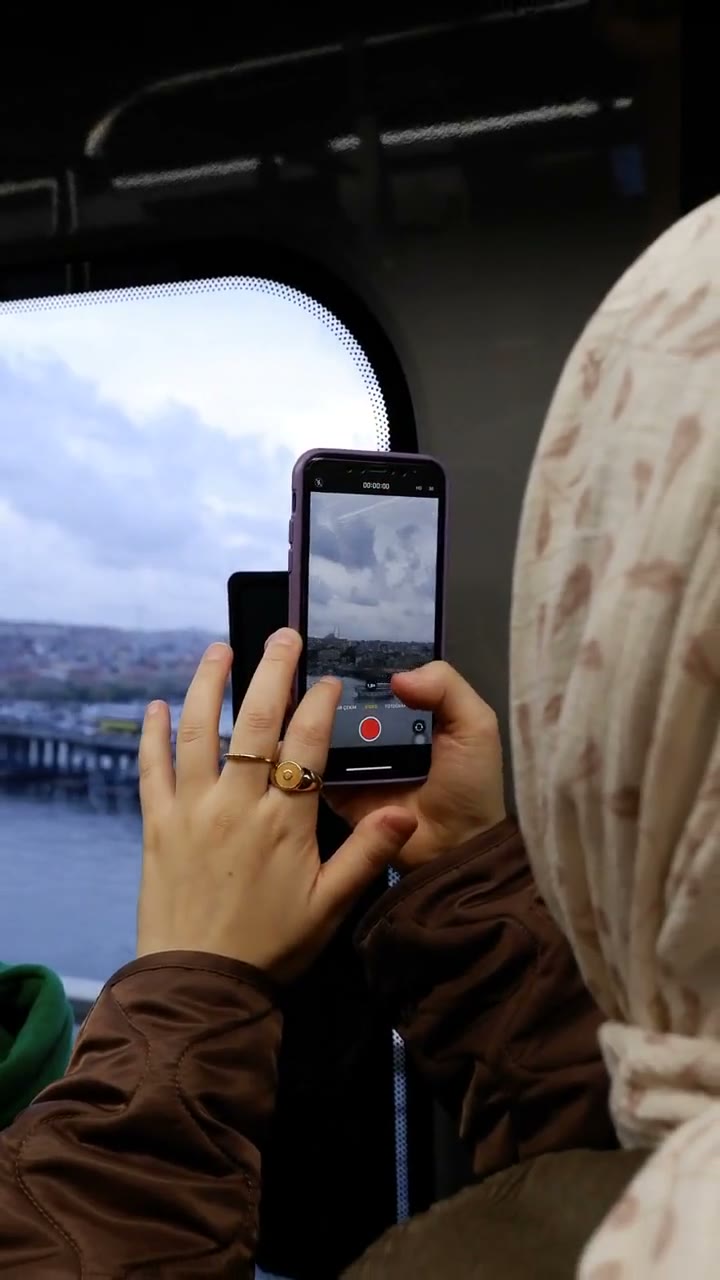
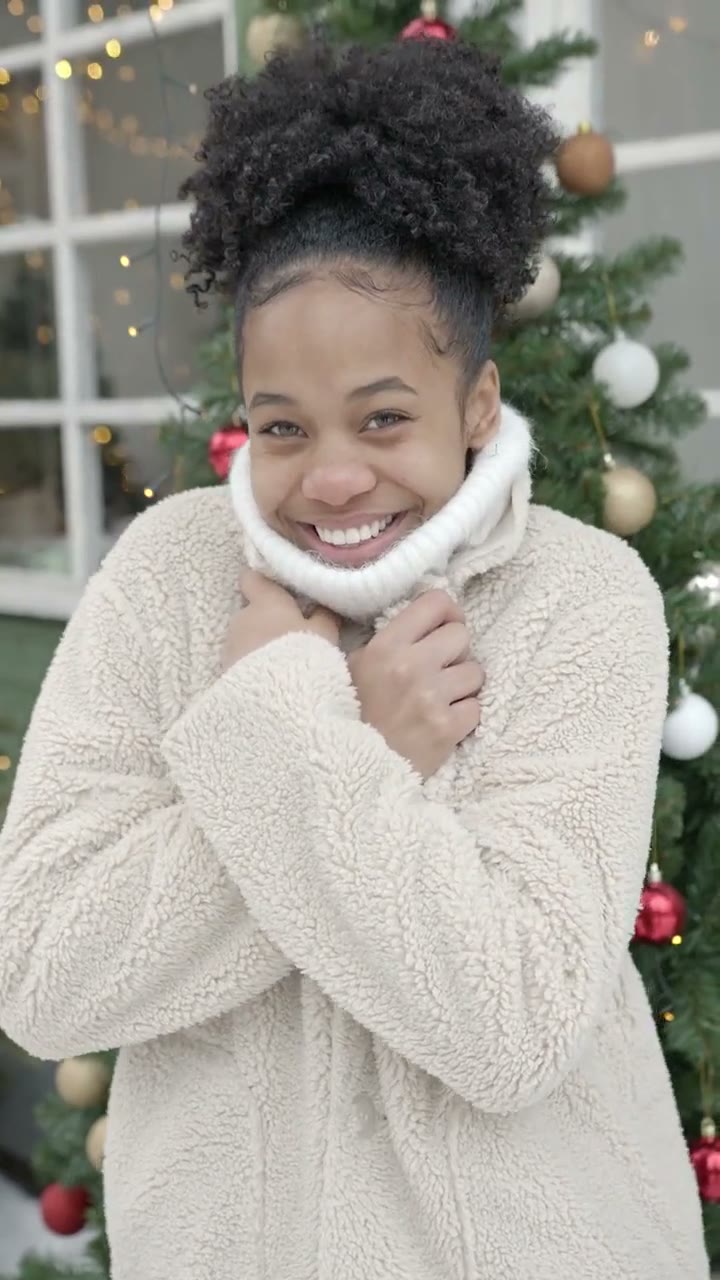
Sample clips are licensed stock footage that show each template’s motion. They are not AI output and are not affiliated with the people or brands in the original trend videos. Template names are descriptive references only. Use only photos of yourself or adults who gave permission, and say the video is AI when you share it.
Your next video is one photo away
Pick a template, upload a portrait and download a vertical MP4.